 Product news
Your AI agent prepares the books. You approve.
Our AI agent connector and web app just got even better! From now on, your AI agents can take on even more tasks, and bookkeeping in the web app has improved too.

- Published
- Updated
- Reading time
- 3 min read
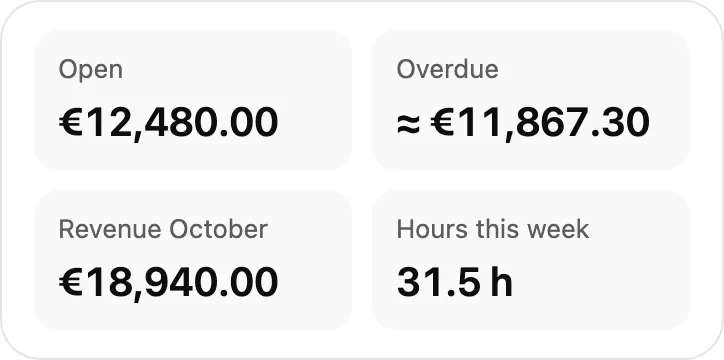
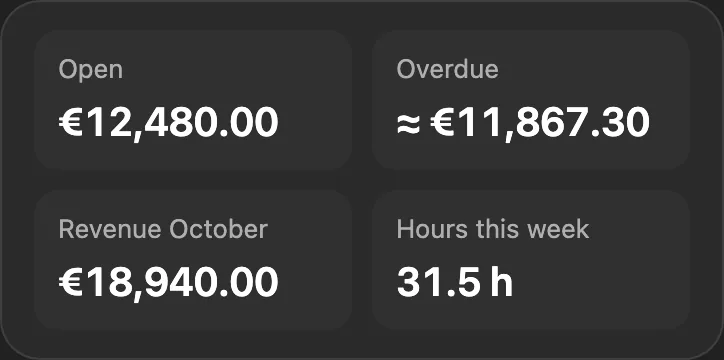
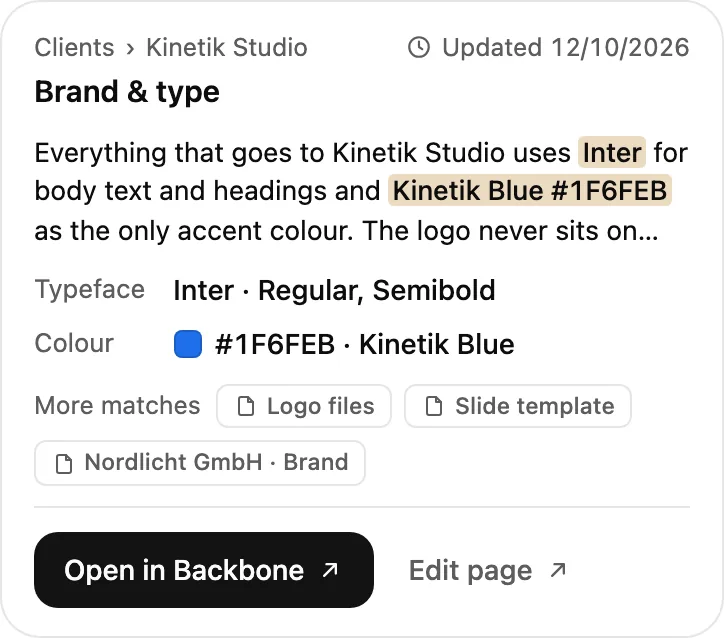
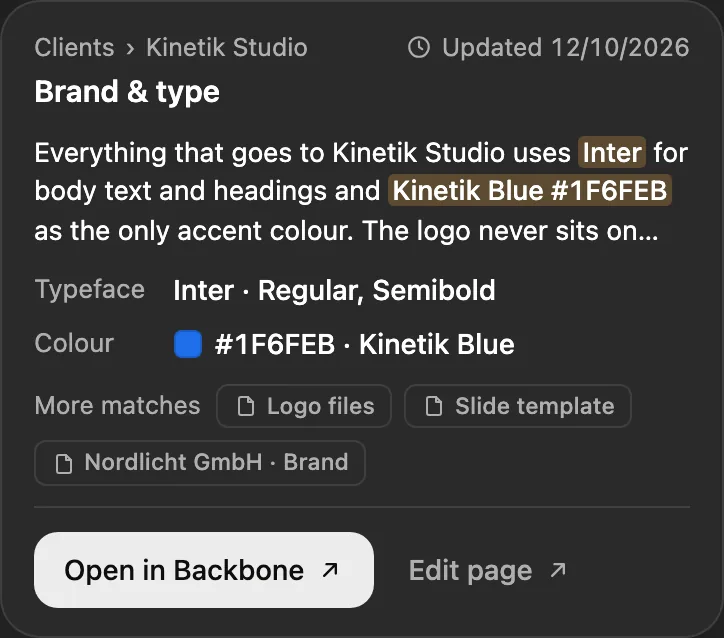
Your month, card by card
What you can ask your AI agent now
Connect Backbone once through the AI connector to ChatGPT, Claude and many more. From then on you ask like you would ask a colleague, and Backbone answers with cards, from your month’s status to sending it to your bookkeeper. Our guides for ChatGPT and Claude show you how to connect.
Backbone
New in Backbone
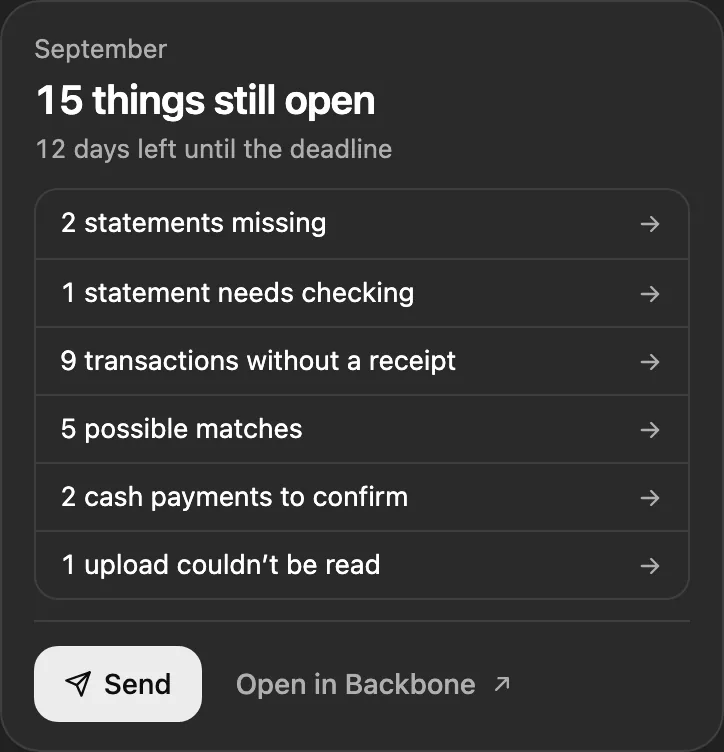
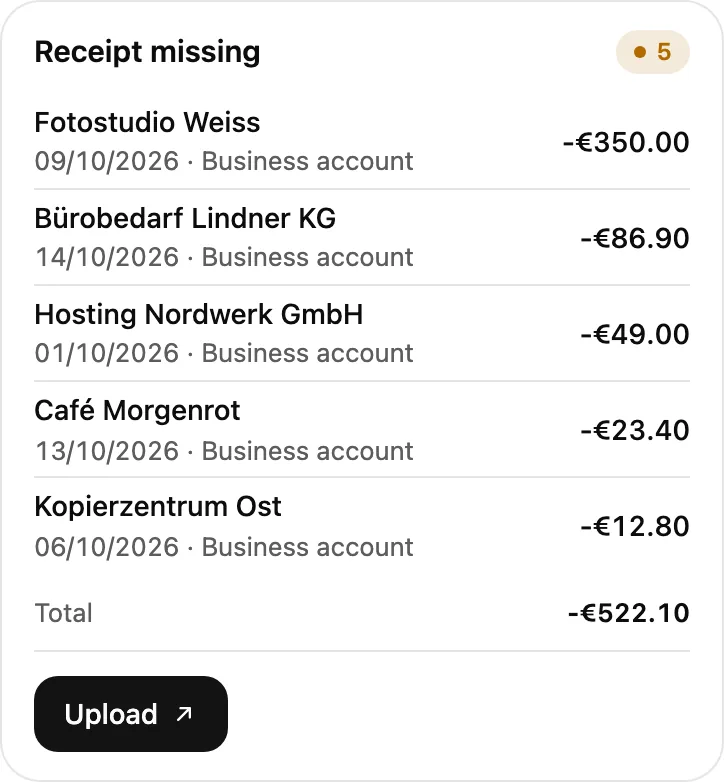
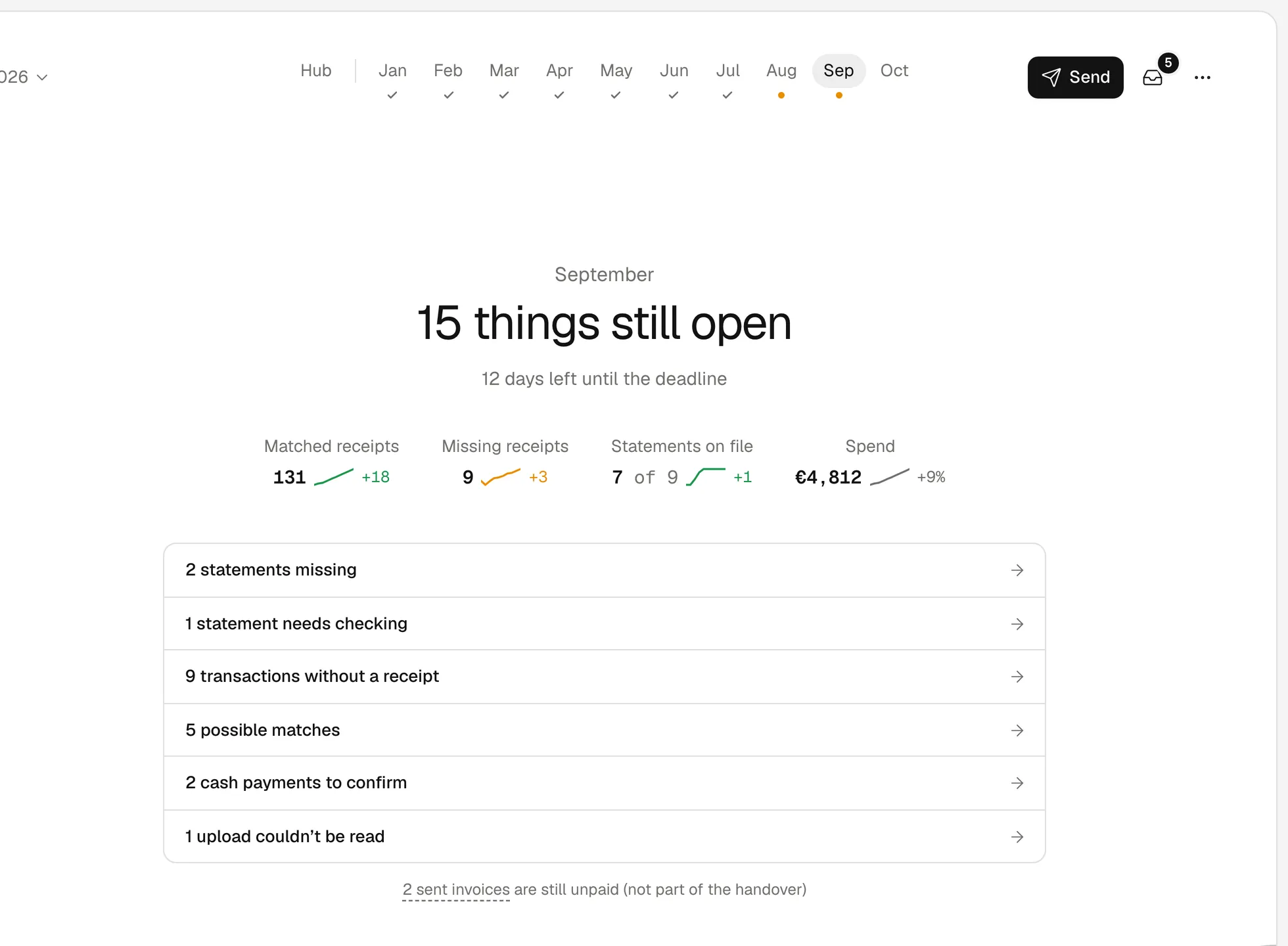
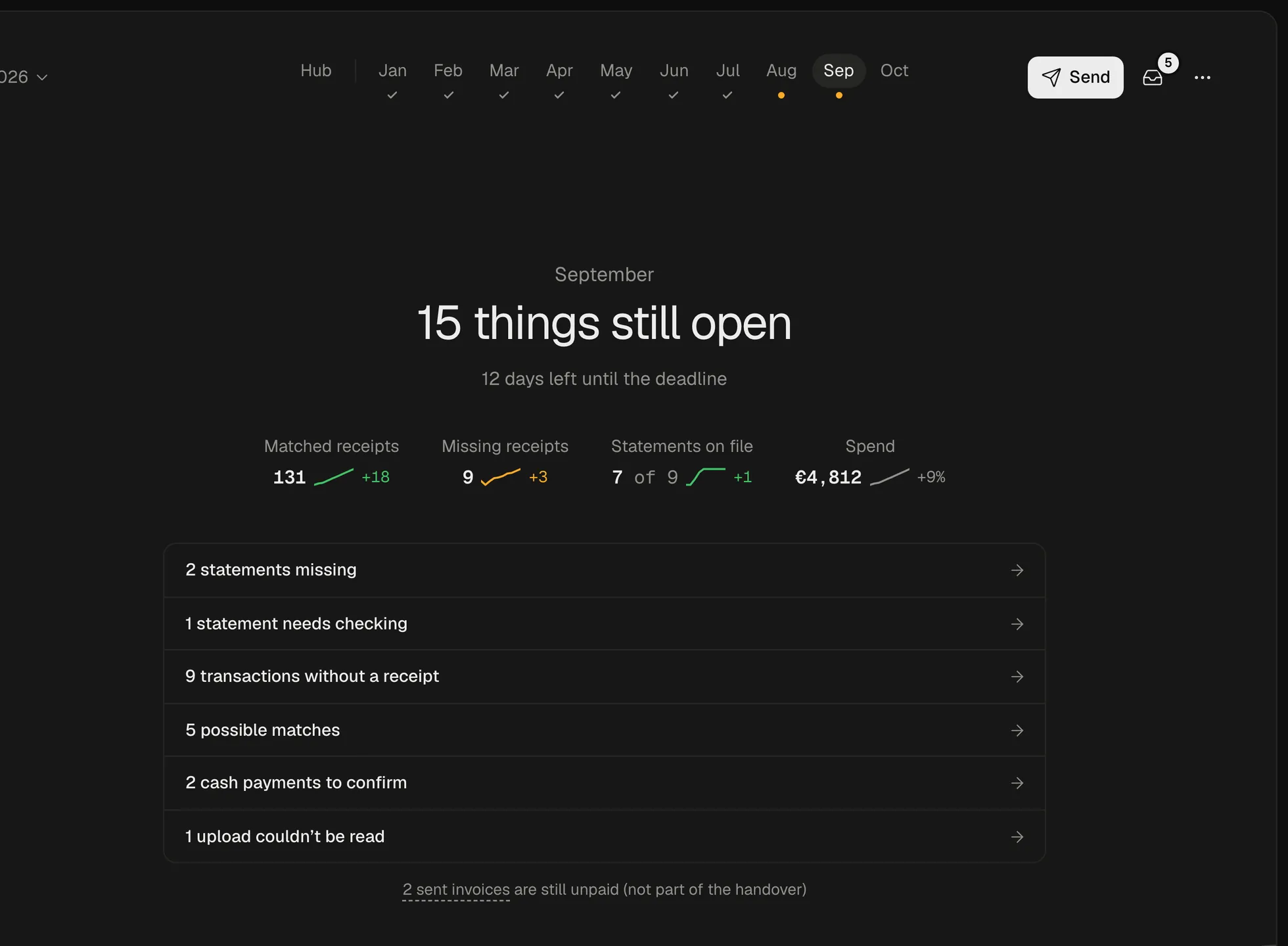
 Month status
Ask what’s still missing this month and get the answer as a card.
In the chat Is September ready for my bookkeeper?
Backbone connectorget_bookkeeping_status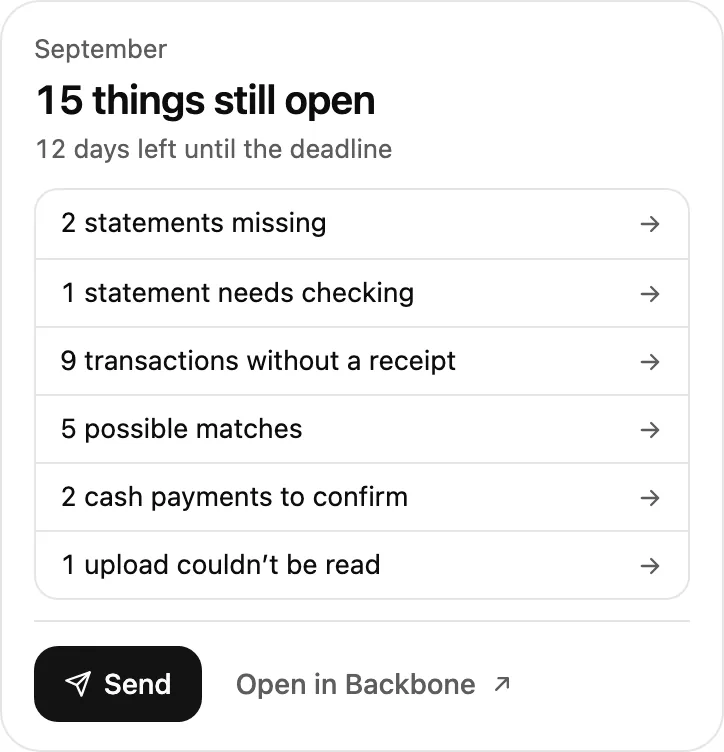
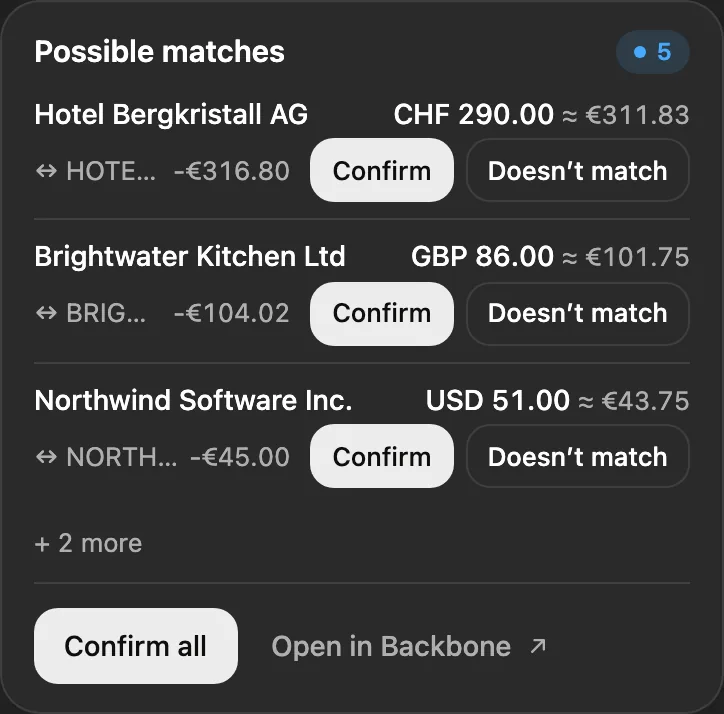
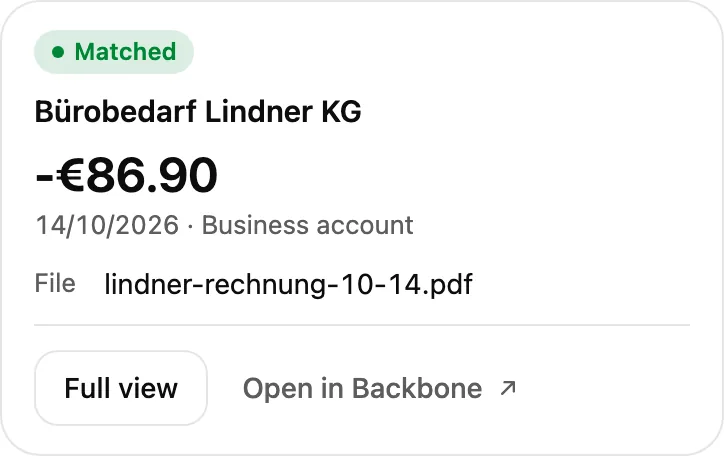
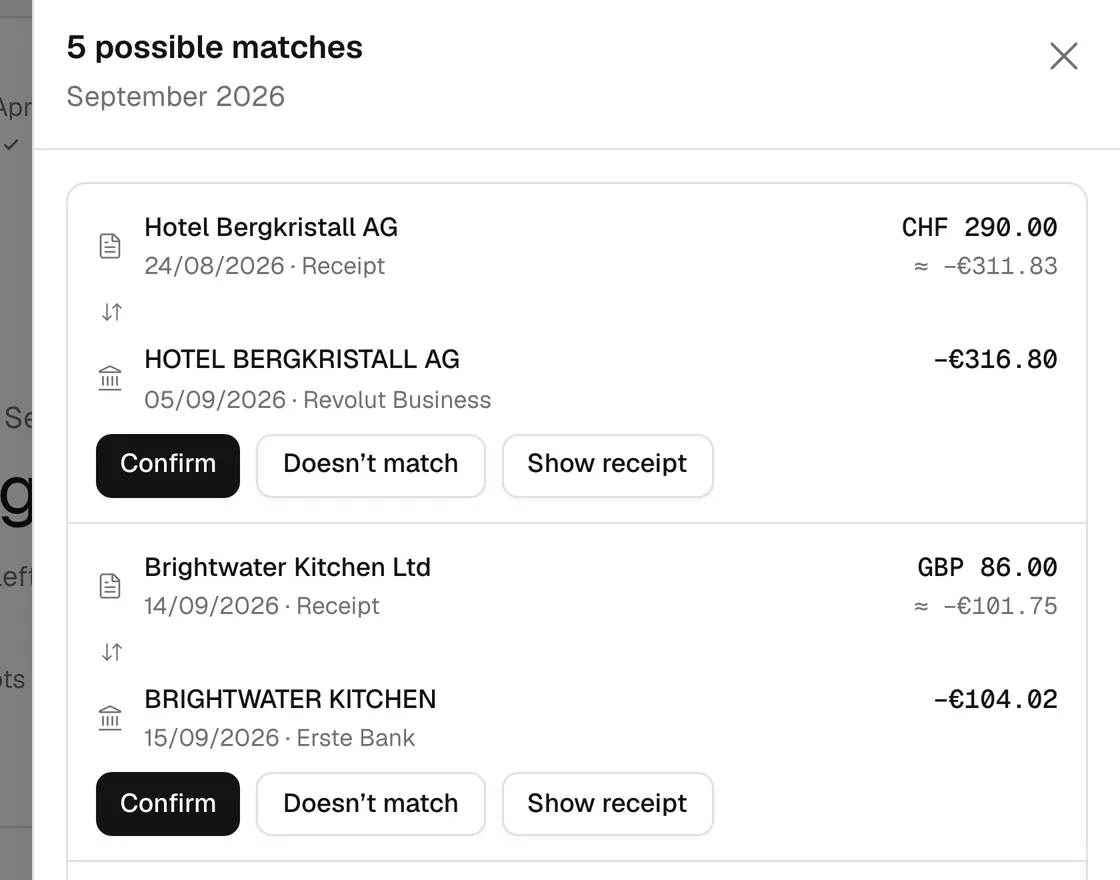
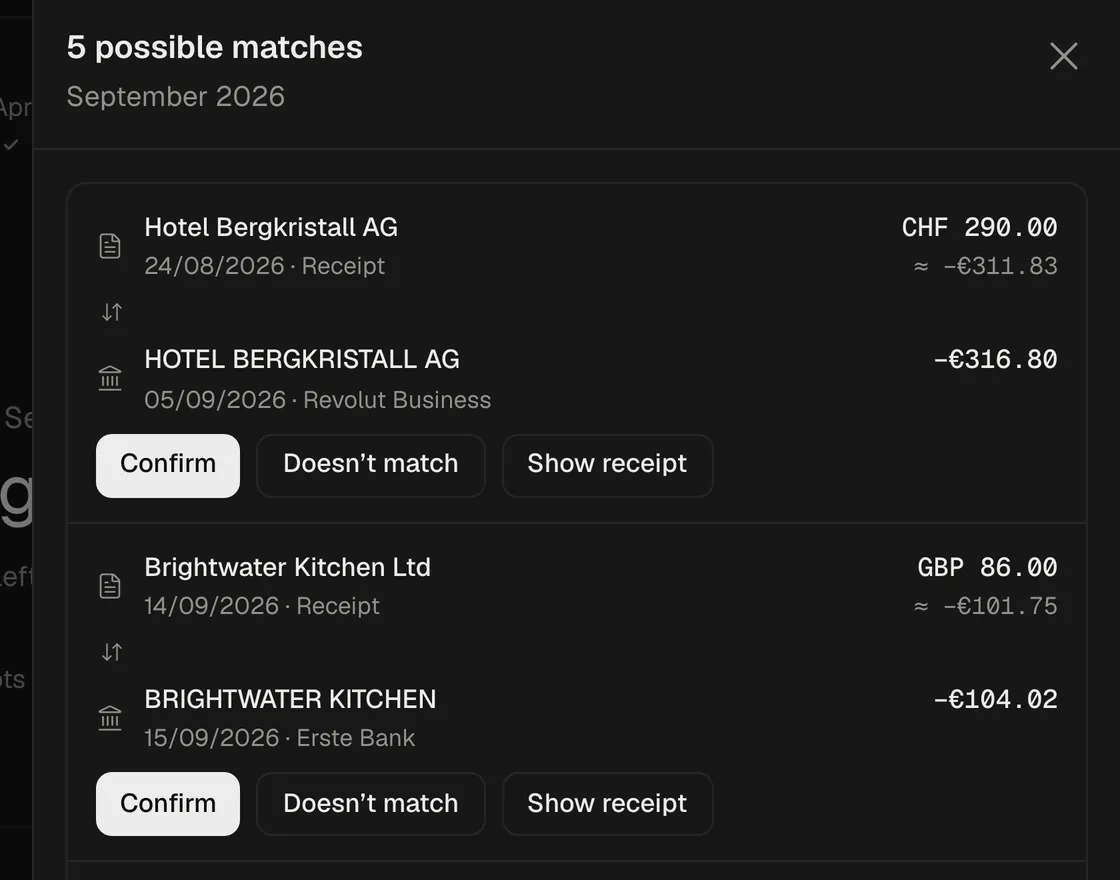
In the app - Possible matches
Backbone finds the matching payment for open receipts, foreign currency too. You confirm.
In the chat Which receipts match open transactions?
Backbone connectorlist_match_suggestions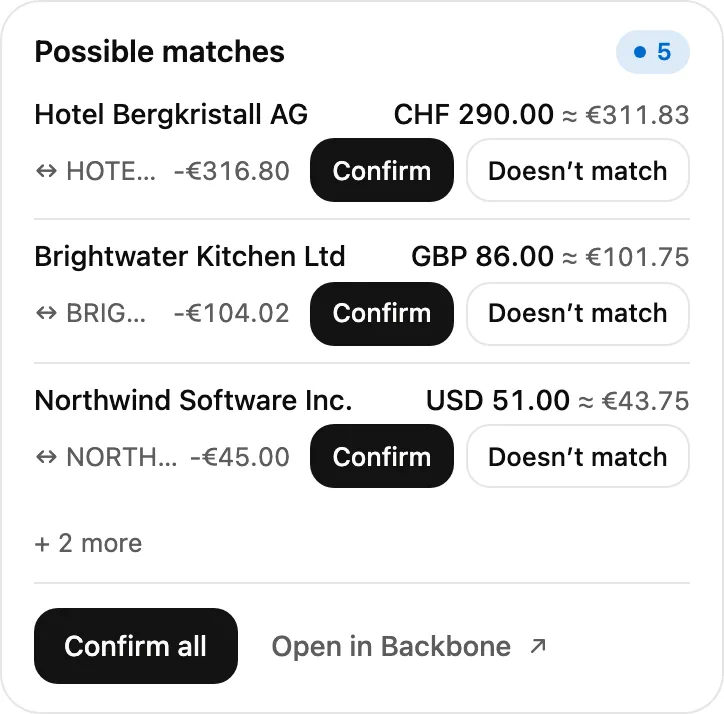
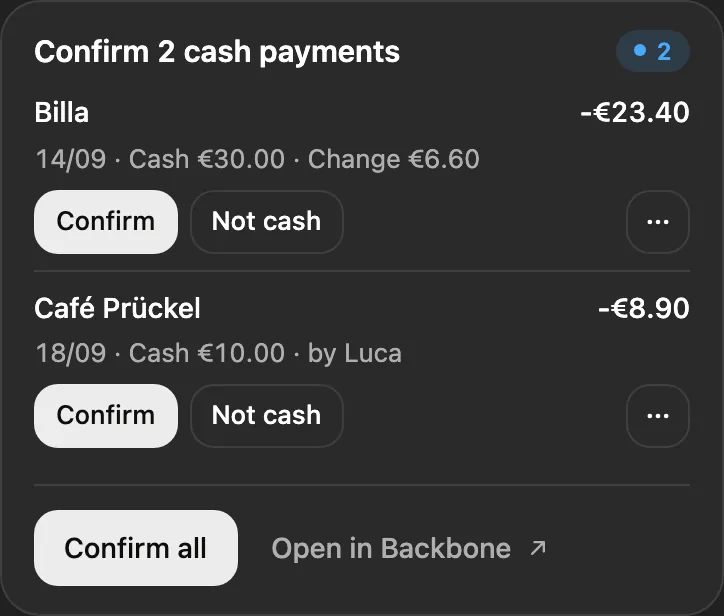
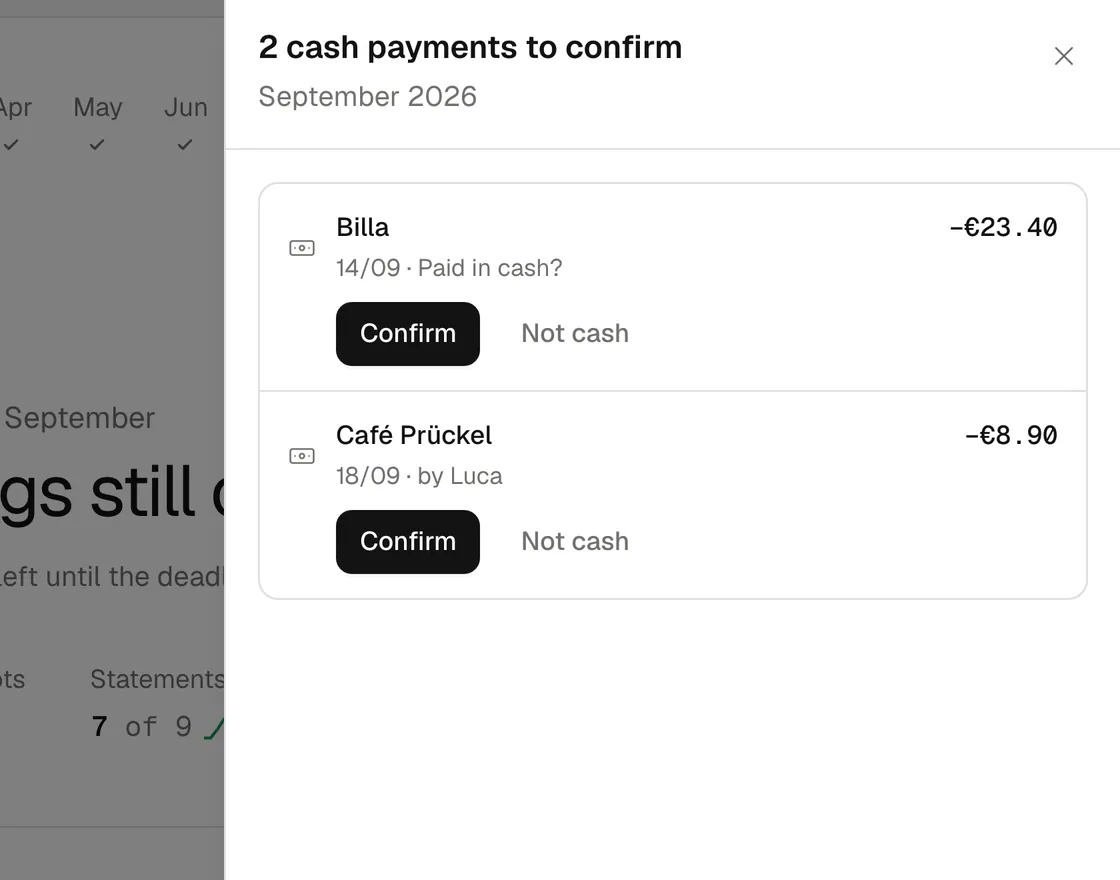
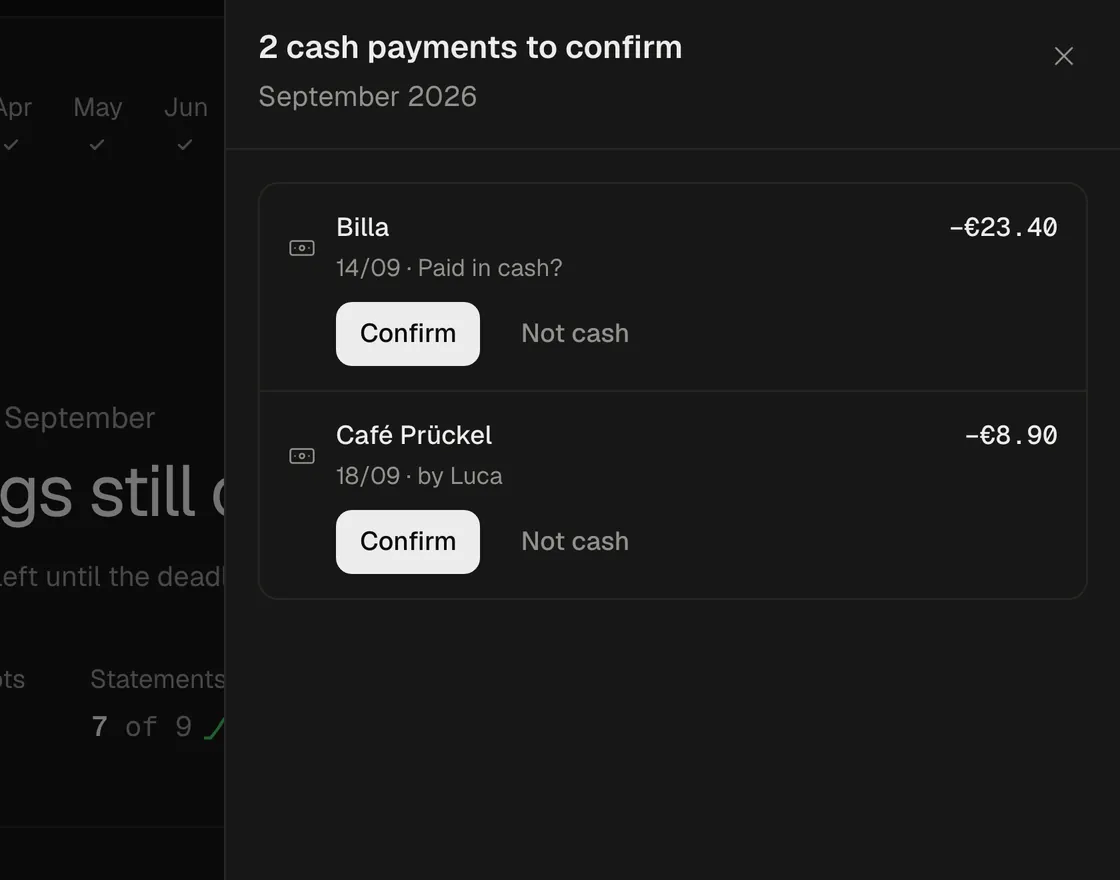
In the app - Cash payments
Tap “Paid in cash?” and the receipt lands in the cash book.
In the chat Which cash payments need my OK?
Backbone connectormark_receipt_cash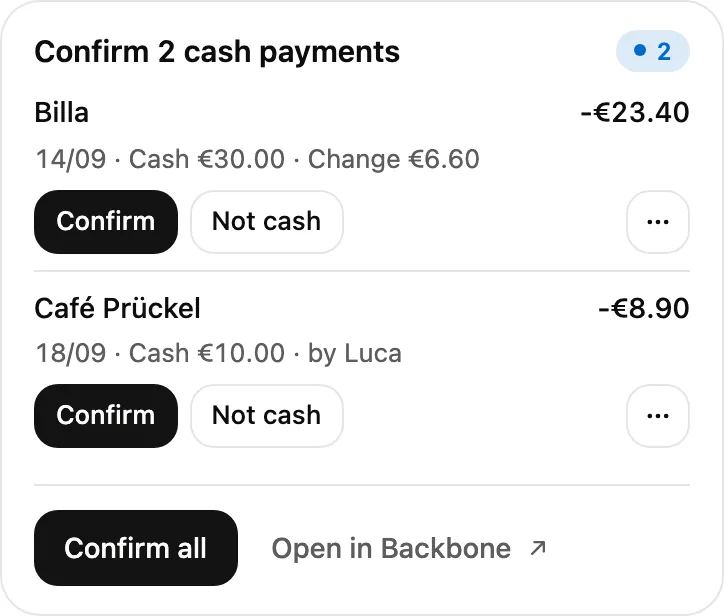
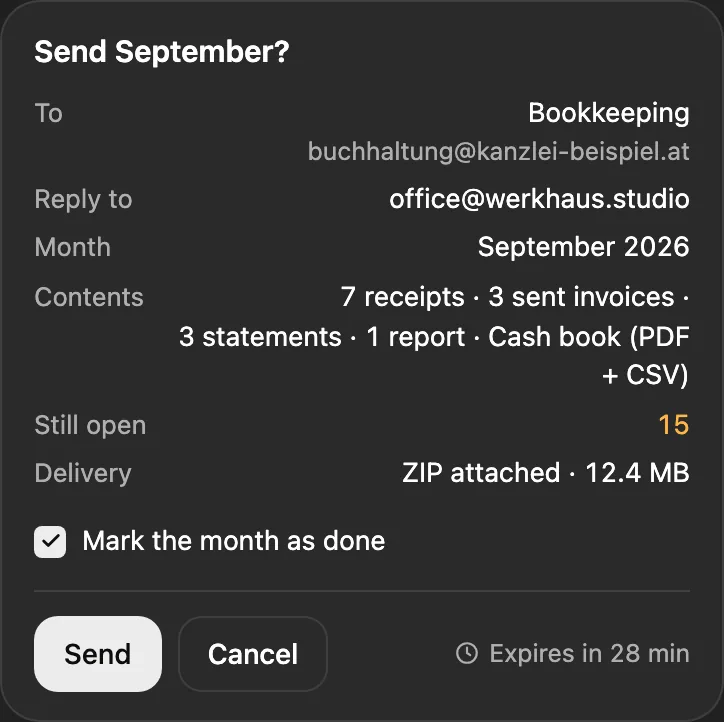
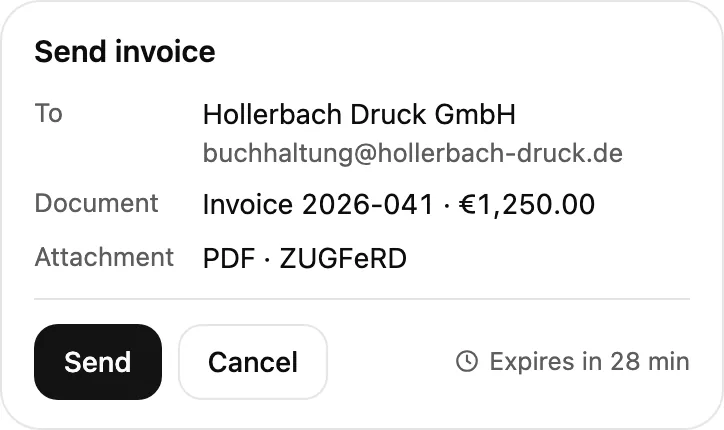
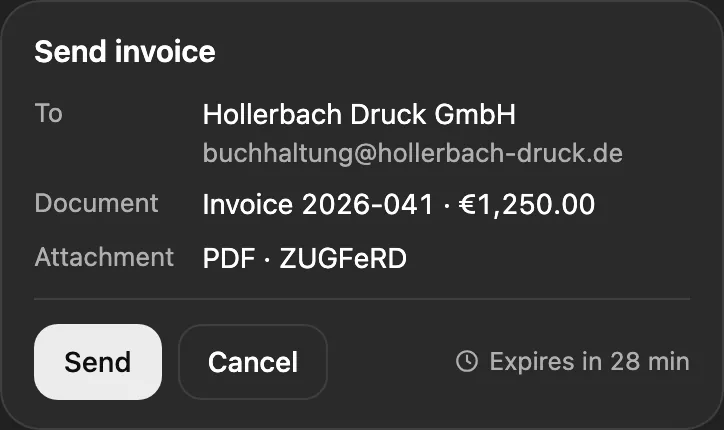
In the app - To the bookkeeper
Once the month is done, it goes to your bookkeeper with your OK.
In the chat Send September to my bookkeeper.
Backbone connectorsend_to_bookkeeper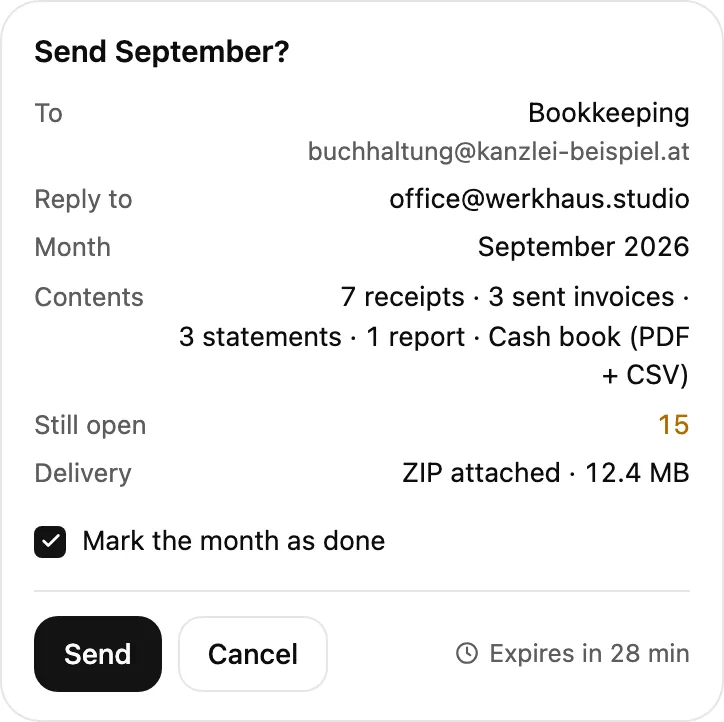
In the app
Your whole month, both ways. Click it in the app or ask in the chat, same tools.
In the app
Click. Your month at a glance, as always.
In ChatGPT and Claude
Ask. The connector for your everyday chats.
In your coding tools
Keep coding. Via MCP in Claude Code, Cursor and more.
Month & sending
Send the month to your bookkeeper, close it or reopen it.
send_to_bookkeeperPossible matches
Backbone suggests, you confirm each or hit “Confirm all”.
list_match_suggestionsset_transaction_matchCash payments
One sentence puts cash receipts in the cash book.
mark_receipt_cashlist_receiptsBookkeeping settings
Who does your books, their email language, your sender name and the deadline.
update_bookkeeping_settingsStatus
What’s still open this month, as a card in the chat.
get_bookkeeping_statusAnything that sends or books is only a proposal, closing a month included. You see exactly what will happen, and your AI app asks once more before anything runs.
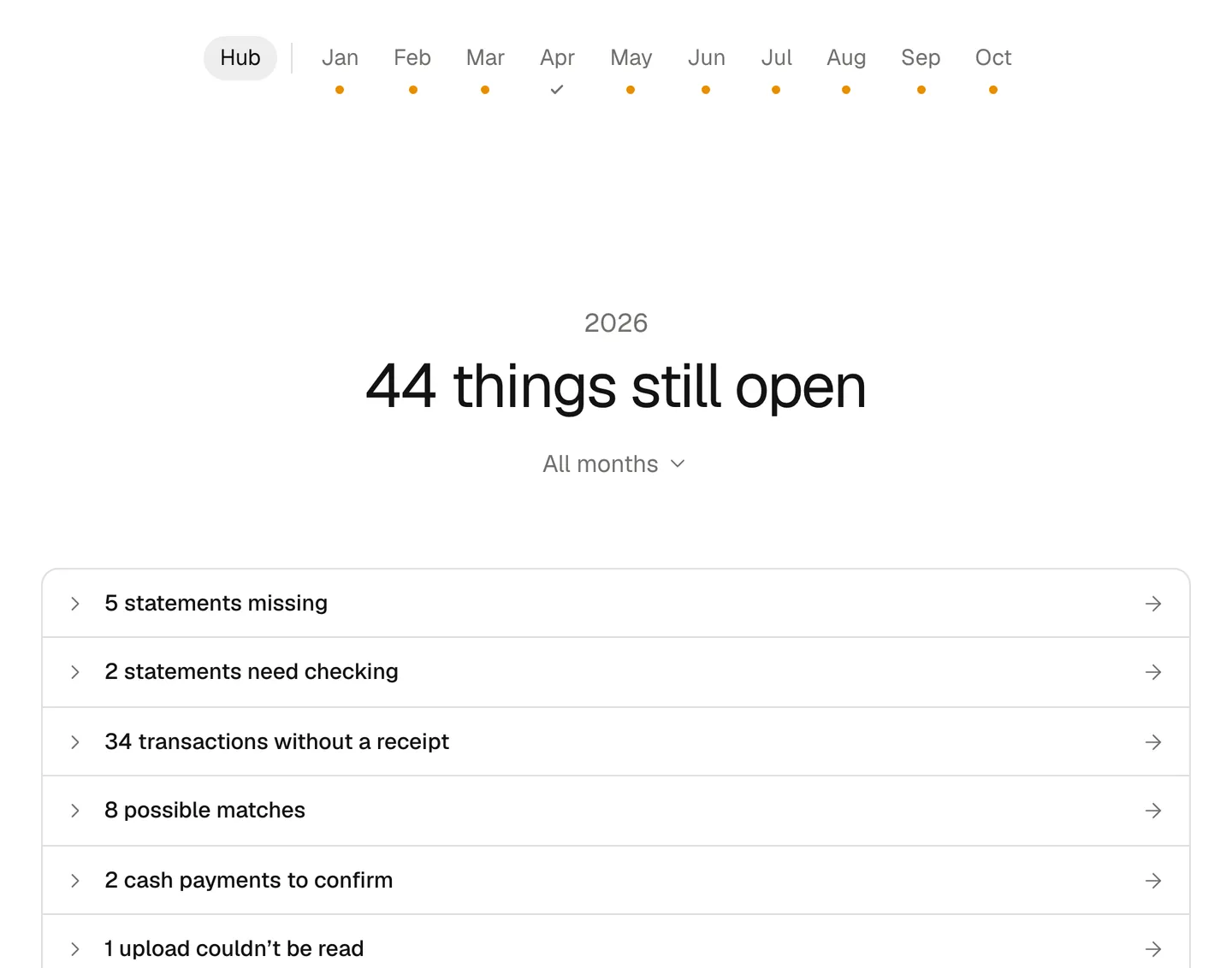
The new bookkeeping in the app
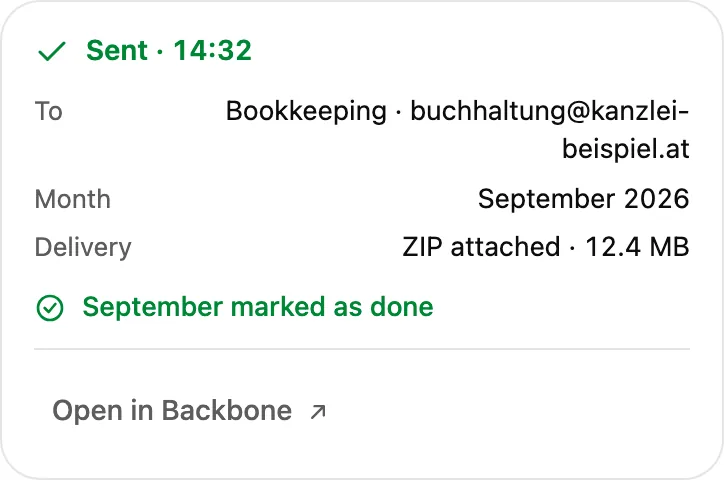
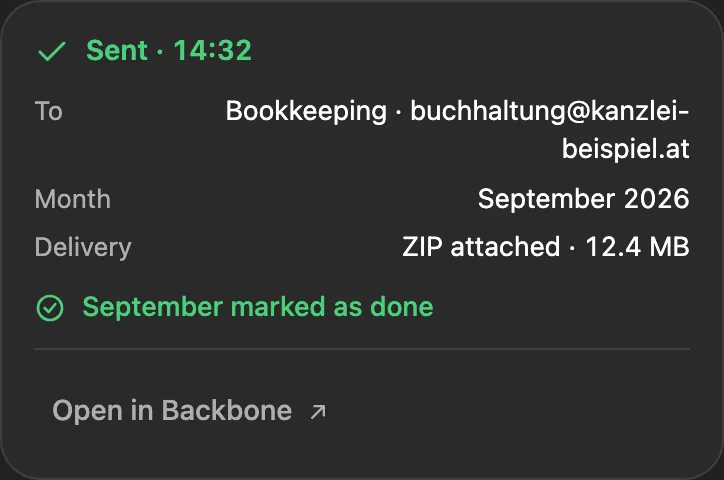
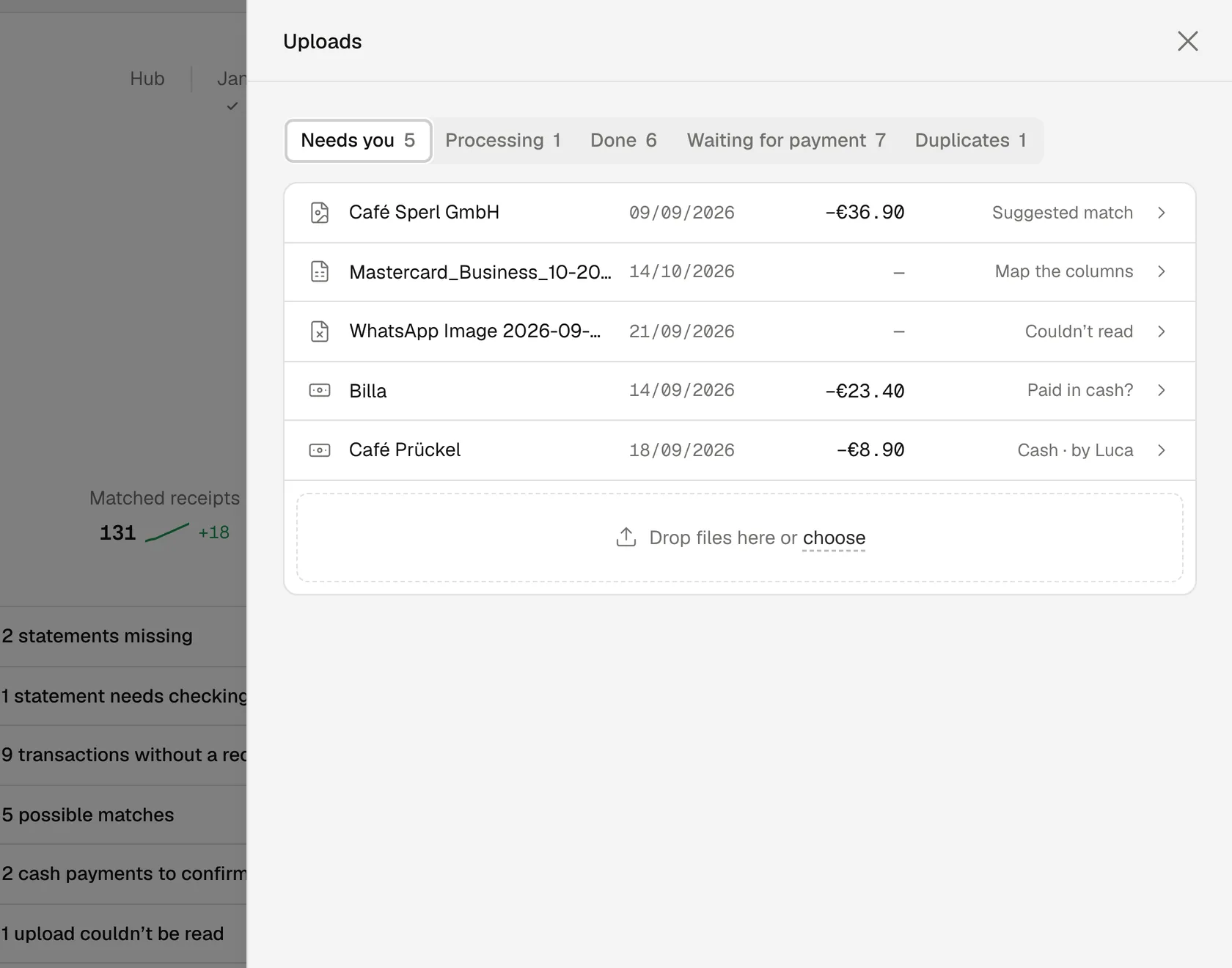
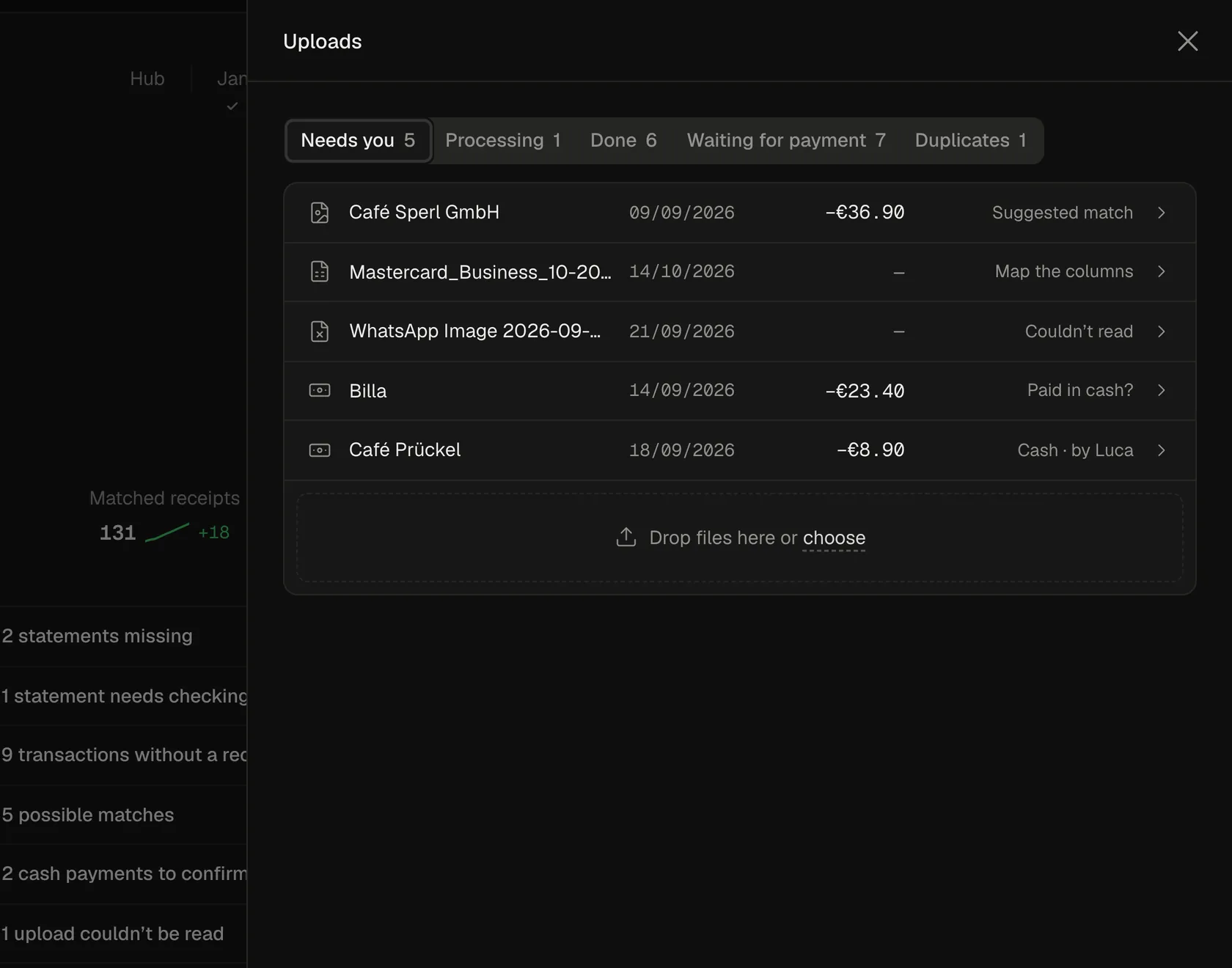
What you ask in the chat, you also see in the app, and the other way round. Send a past month to your bookkeeper from the chat, and Backbone already marks it done.
How do I start?
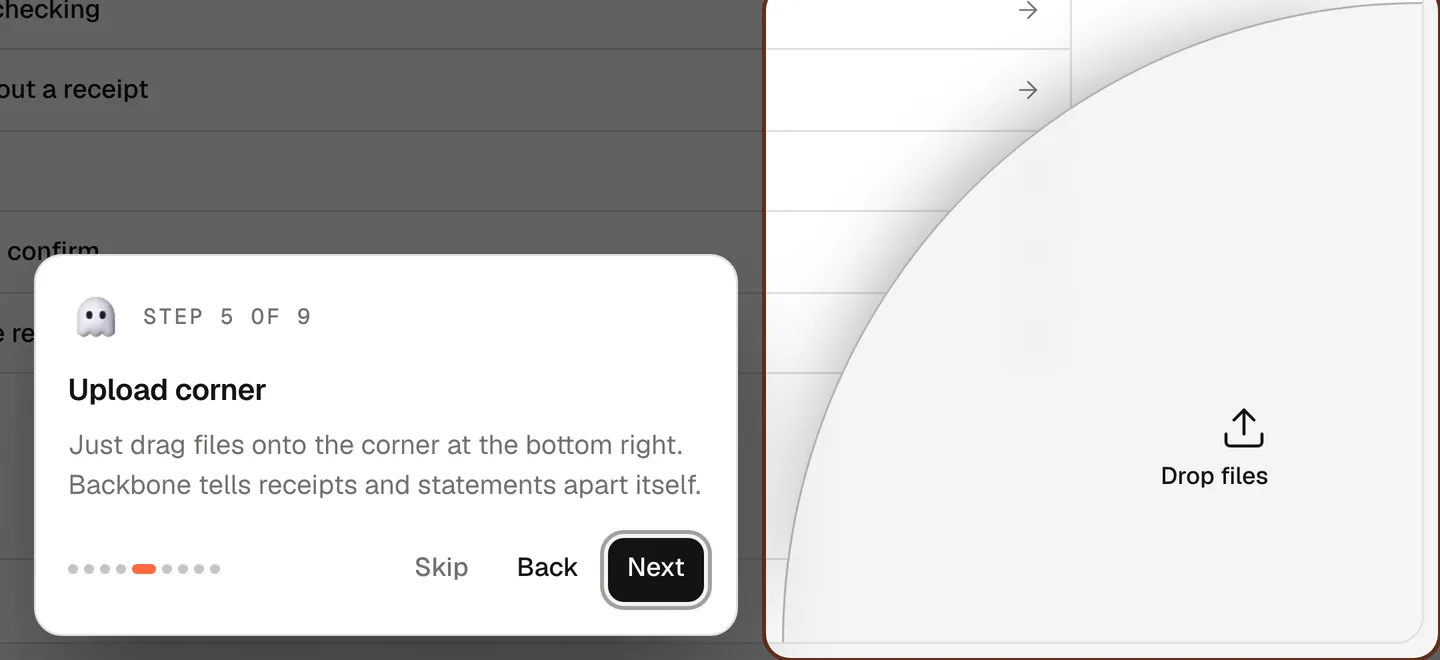
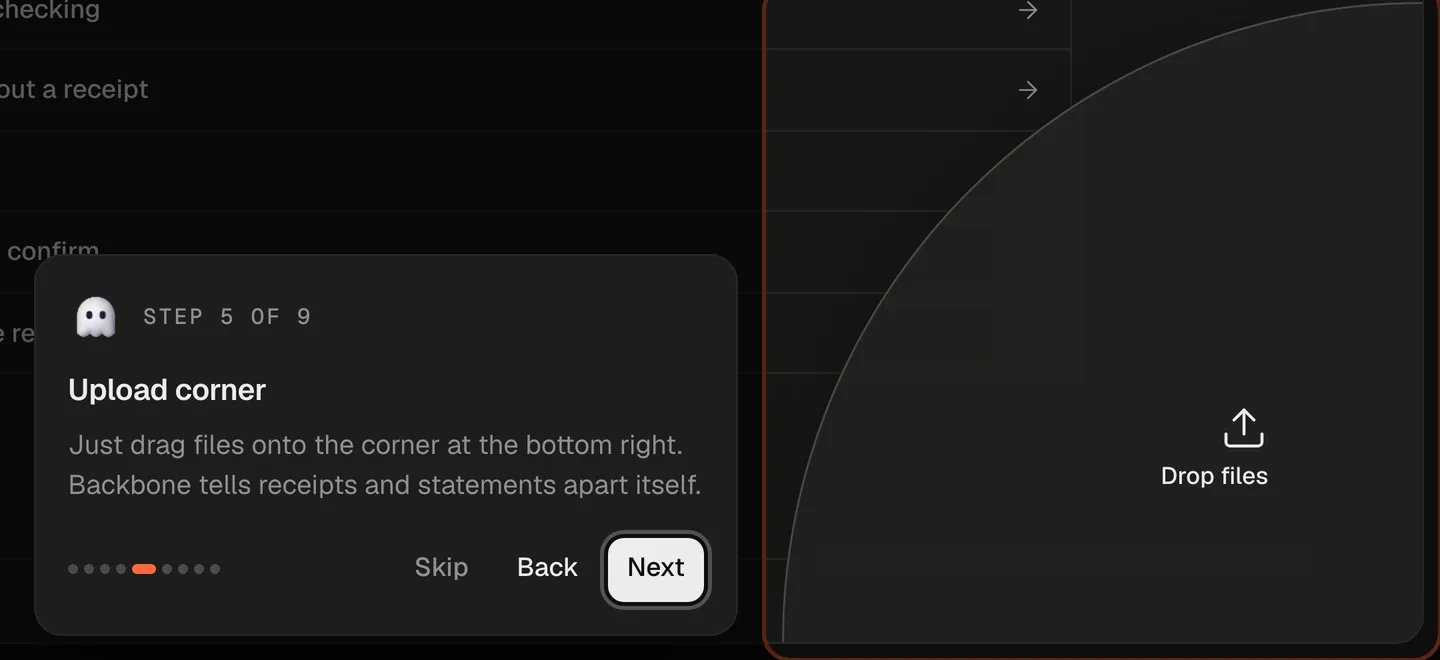
Two ways. Easy and easier: open Bookkeeping in Backbone, and a short tour walks you through it the first time. Or connect your AI app and ask: “What’s still missing for this month?”
Your agent handles the boring stuff, you keep the overview and say OK.
Ready to try it?
Try Backbone for 7 days. No charge before the trial ends.
Product article, not legal or tax advice and no review of your case.

 AI & automation
